Base for Players: Two Balances, Different Jobs
A practical Base guide for Momentum: ETH for gas, USDC for balances and swaps, current quest minimums, and what to check before pressing Verify.
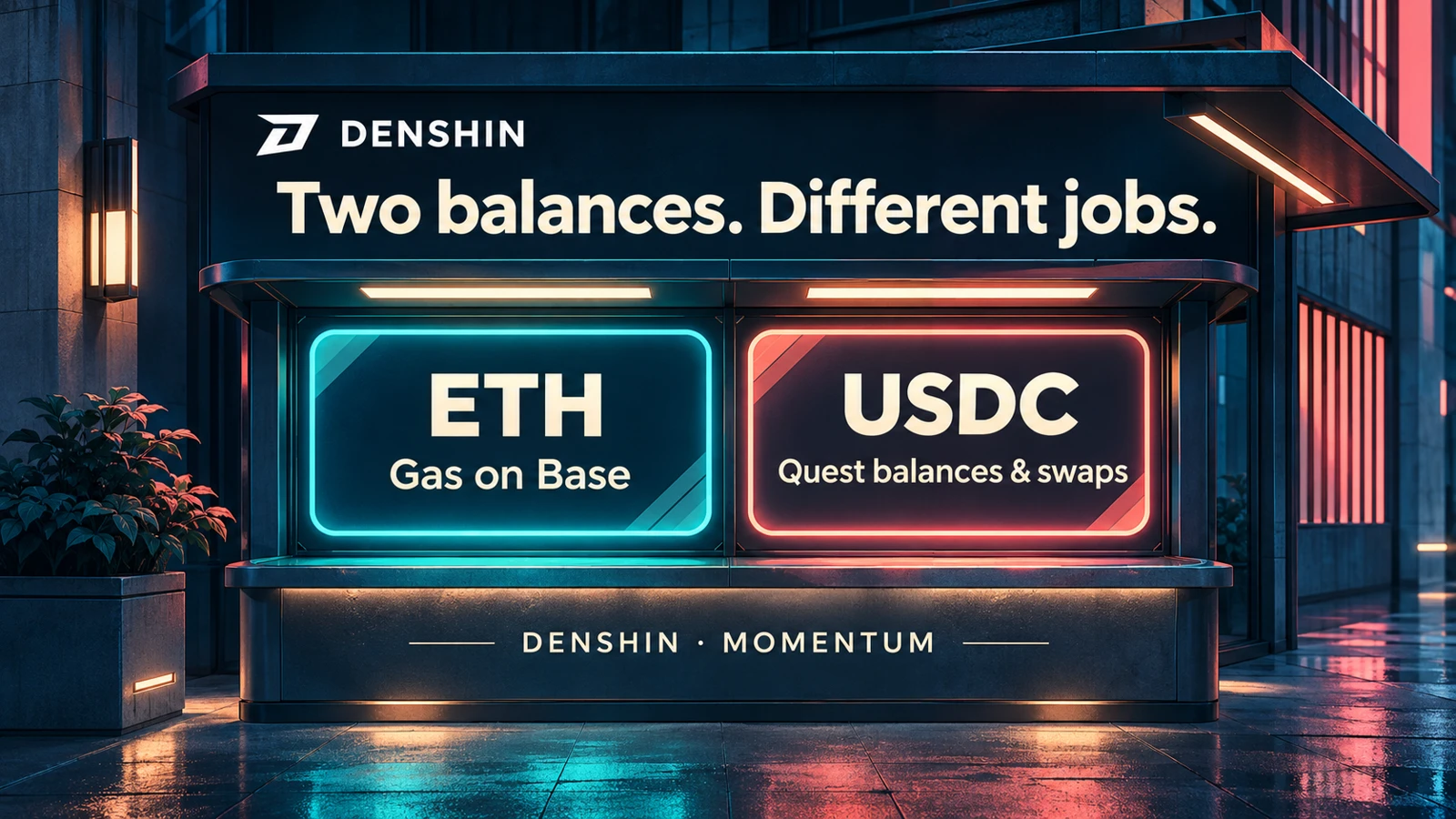
A wallet can show a USDC balance and still be unable to send a transaction on Base. The missing piece is usually ETH: the token that pays the network fee. These two balances share an address, but they do different jobs.
Our Base quests make that distinction useful. Some read a balance that already exists. Others need a new swap after you start the task. This guide follows Momentum, our second season, and the Base quest names and amounts currently shown in our docs. Older Genesis guides describe the first season; their names and minimums should not be used as a checklist for Momentum.
Same address, separate network#
Base is the network with chain ID 8453. Your wallet address may look identical on another network, but the assets available to spend are recorded separately. ETH on Ethereum is not automatically ETH on Base. USDC on Base is not the USDC.e balance shown on Soneium.
Before doing anything, look at the network selected in your wallet and in the venue. Both need to be Base for a Base quest. Then check which wallet is connected. Our balance and swap checks read the main wallet on your Denshin profile, so using another address can produce a perfectly valid transaction that does not satisfy your task.
Base holds 11 of Momentum's 33 quests, worth 720 of the 1,800 task points before other scoring adjustments. That is enough variety to learn the difference between a balance, a trade and a lending receipt without changing networks.
ETH pays the fee#
Every transaction you send on Base needs ETH for gas. The fee is separate from the amount traded or deposited. A swap involving USDC still needs ETH; having more USDC does not replace the gas balance.
Momentum's Base Reserve quest checks for at least 0.00006 ETH and awards 20 points. That is the quest threshold, not a promise that it will cover a particular sequence of transactions. The wallet shows a fee estimate before confirmation, and conditions can change. Leave room for the next action rather than spending the gas balance down to the threshold.
A balance check itself reads the chain. It does not transfer that ETH to us. If your wallet asks you to send funds to complete a simple balance verification, stop and check which page you opened.
USDC has a different role#
Pocket Dollars checks that your main wallet holds at least 0.15 USDC on Base, for 20 points. It reads the current balance when you verify. The USDC stays in your wallet; completing this task is not a deposit into Denshin.
You do not need a new purchase just because the season changed. An existing qualifying balance can satisfy a holding quest. A completed Genesis quest, however, does not automatically mark the corresponding Momentum task complete. Start the current task and run its check.
Keep the token and network together when reading the minimum. A similarly named asset elsewhere is a separate balance. The current task card and the official venue's token list are better references than a token address copied from a chat message.
Start before the swap#
Swap quests look for an action, rather than a balance left over from an earlier visit. For Opening Trade, press Start before making a qualifying swap of at least 0.20 USDC on a supported Uniswap pool. The task is worth 60 points. Return Ticket asks for another qualifying Uniswap swap from 0.20 USDC, for 30 points.
Our Base checks support Uniswap v3 and v4, plus Aerodrome classic and Slipstream pools. That does not mean every task accepts every venue. Market Circuit, for example, is the Aerodrome swap task, starting from 0.20 USDC for 60 points. Read the venue named on the card before opening a trade.
Each accepted transaction is used once as quest proof. Do not plan to reuse one swap for several tasks. An old Genesis transaction also does not become a fresh Momentum swap. The larger Final Exchange task currently asks for a separate qualifying swap of at least 0.30 USDC and awards 120 points.
These are eligibility minimums. They do not include gas, pool fees or slippage, and they are not a reason to trade a larger amount. Read the wallet's transaction details before confirming.
A lending receipt is not a wallet balance#
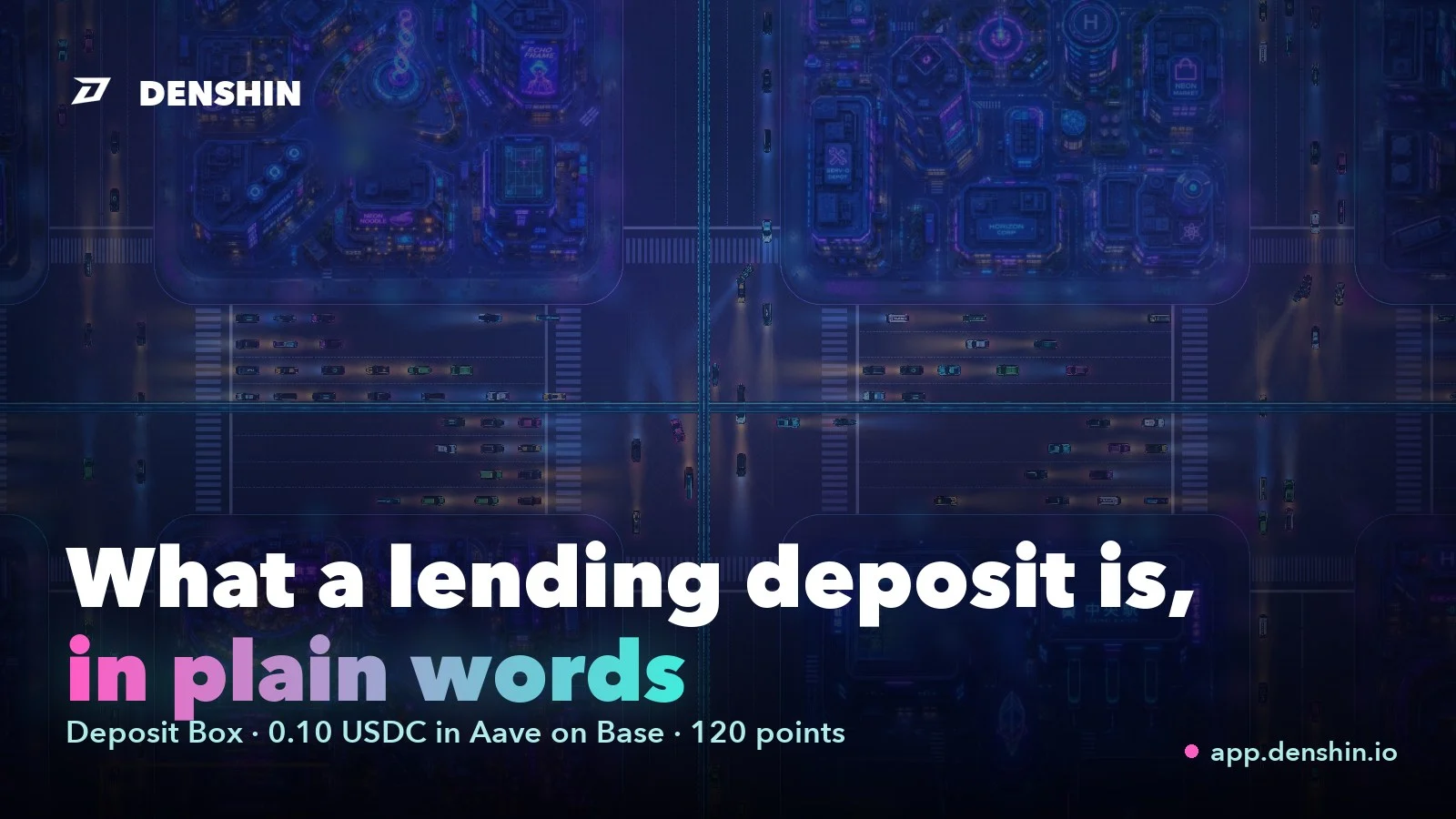
Reserve Vault uses Aave v3 on Base. Supplying USDC creates an aUSDC receipt balance; the quest checks for at least 0.15 aUSDC, for 120 points. Holding ordinary USDC without supplying it does not create that receipt.
Keep the supply position open until the quest has been verified and closed. Withdrawing beforehand removes the balance the check expects. After the task is complete, the position remains yours to manage. Supplying assets also introduces contract and lending-market exposure, so it belongs after understanding the simpler holding checks, rather than being treated as another button to click.
Our guide to what a lending deposit actually is explains the receipt-token idea in more detail. For the current season's exact eligibility, use the live task card.
A short check before Verify#
Our team would check five things: Base is selected, the main wallet is connected, the asset is the one named on the card, the amount meets the current minimum, and any required action happened after Start. For a swap, also confirm that the transaction succeeded on the venue the task accepts.
If one of those is wrong, repeating Verify will not change the underlying balance or transaction. Fix the mismatch first. If everything matches and the check still fails, keep the transaction reference and ask in our official help channel; never share a recovery phrase.
The live Base reference lists every current quest and supported venue. Open the city alongside it and take one task at a time. ETH handles the fee, USDC handles the dollar-denominated checks, and the task card tells you which kind of evidence comes next.