Native USDC vs Bridged USDC: What's the Difference?
Learn why Base, Sonic and Soneium use different USDC contracts, and what to check before moving a token or verifying a Denshin quest.

Your wallet can show a balance called USDC while a quest still says the balance is missing. Before moving any more money, check two things. Which network are you viewing, and which token contract holds that balance? The letters beside the number are only a label.
We use three networks in Denshin. Base and Sonic have USDC issued directly by Circle. The Soneium quests that call for a dollar balance use USDC.e, the network's bridged version. Those labels are a useful first clue. The network and the contract address are what identify the asset.
Who issues each version?#
Native USDC is issued by Circle on the network where you hold it. It is an entry in the USDC contract on that network. Your native USDC balance on Base and your native USDC balance on Sonic are separate, even if you use the same wallet address for both. Adding Sonic to your wallet changes which network you're looking at. The balances stay where they are. Circle's USDC contract list identifies the contracts on supported networks.
A bridged token represents an asset from another network. A common bridge design holds the original token on one side and issues a representation on the other. Going back through that route burns the representation and releases the original. Other routes use liquidity to deliver an existing token at the destination. In either case, look at the asset the route delivers, the fees, and the expected amount before confirming. The bridge or route introduces its own contract and operational risks.
Why the ticker can mislead you#
Soneium calls its bridged dollar token USDC.e. You may see it listed as bridged USDC or as USDC in a wallet. Compare the address with the bridged USDC entry in Soneium's bridge guide.
Sonic shows why the suffix alone can be misleading. Circle upgraded Sonic's bridged contract in place. The address stayed the same when it became native USDC. A wallet or an older guide might still carry a label from before that change. If you see a different label than you expect, use the official contract list to identify the token.
A block explorer can show which token contract actually emitted the transfer in your transaction. Open the explorer for the network where the transfer happened, find the token transfer, and compare the full address with the official list. Search results and wallet icons are weaker evidence because anyone can make a token with a familiar name or logo.
How the difference shows up in Denshin#
The quest card tells you what we read. A wallet with USDC on Base can qualify for Pocket Dollars if its balance meets the card's threshold. Sonic Reserve reads USDC on Sonic. Harbor Balance checks USDC.e on Soneium. A balance in the right token on one network does not satisfy a quest on another. The network guide lists the assets and checks for each shore.
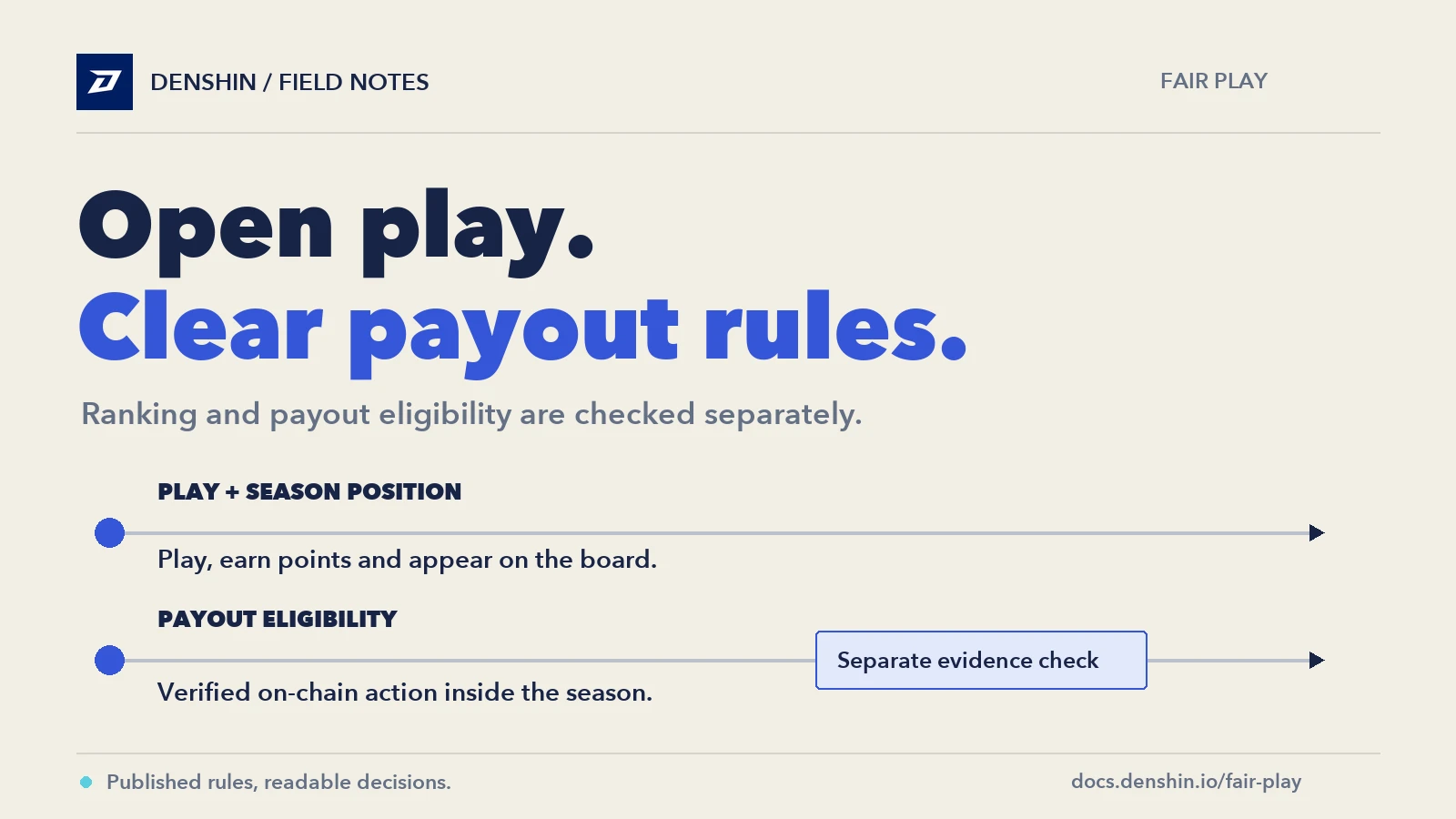
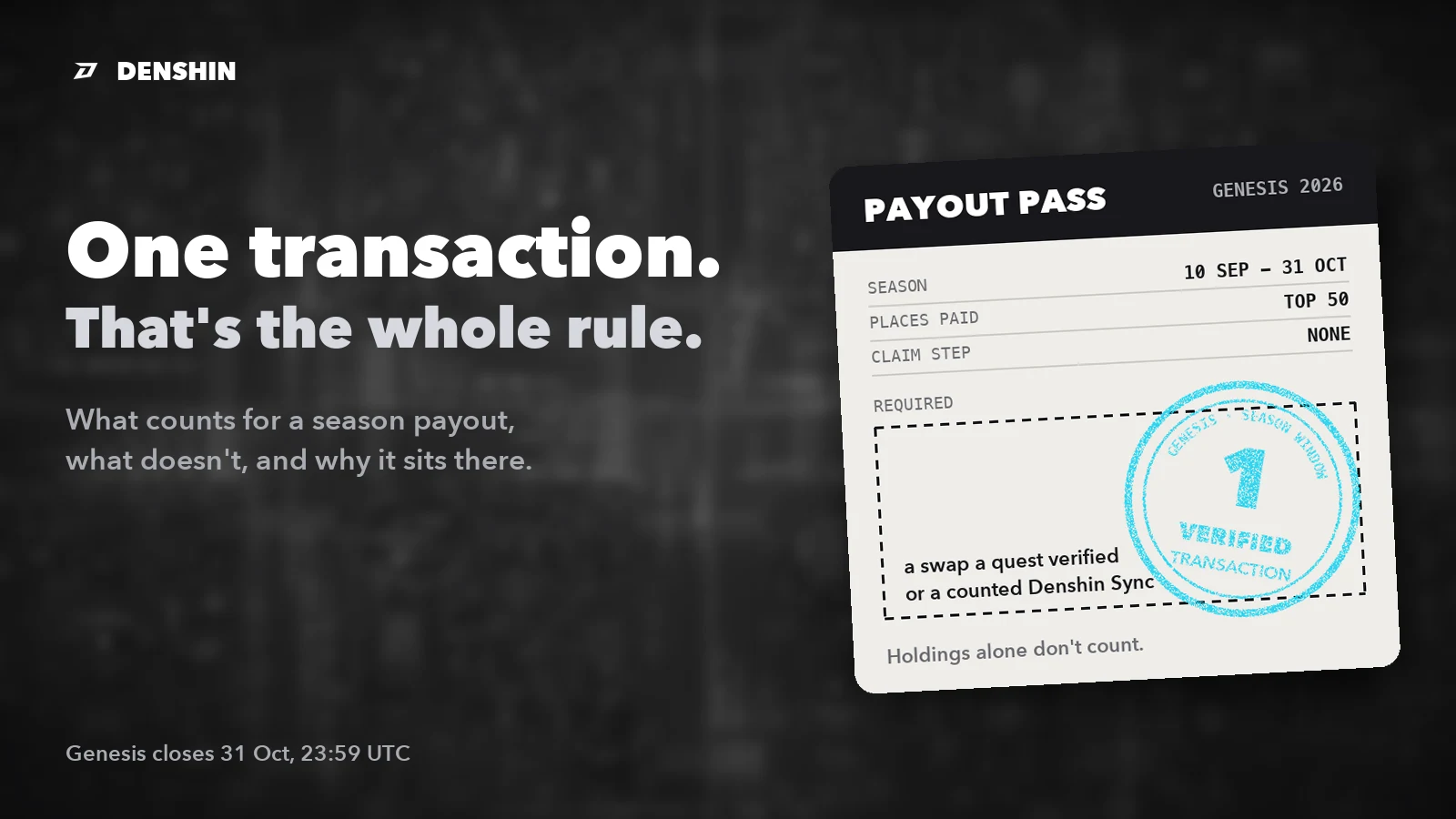
A balance quest reads what the main wallet holds when you verify. A swap quest checks a qualifying trade on the network and venue named on the card. Receiving the destination token from a bridge may give you the right balance, but it does not by itself record a qualifying swap at that venue. If you hold the token and still see a failed check, reread the quest's action. Also make sure the wallet that holds it is your main Denshin wallet.
A check to run before you move anything#
Start with the quest card. Write down the destination network, the asset, and the action the card asks for. Check whether your wallet already holds the correct token there. If the task asks you only to hold a balance, a new transfer or swap may be unnecessary.
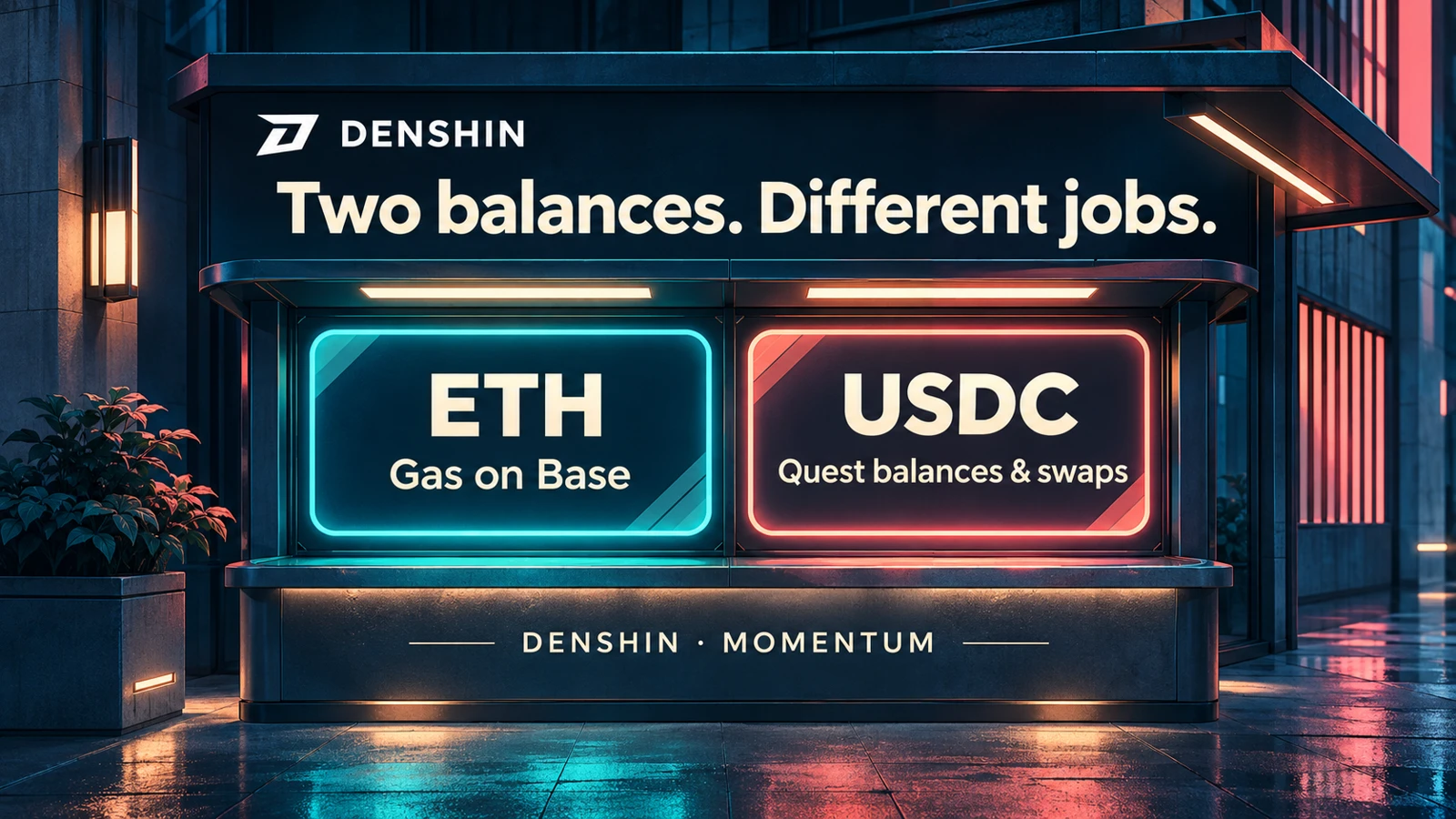
If you do need to use a bridge, compare the destination token address with the official listing, read the amount expected after fees, and check which asset pays for gas on both sides. A token balance alone may still leave you unable to send a transaction from the destination. If your wallet requests an approval, read the spender and spending limit before approving it.
Finally, verify in the app using the wallet you intended to play with. If the result is unexpected, read the transaction or current balance on the correct network before trying again. Most of the time, the network and the token address will tell you what to check next.