A Wallet Safety Checklist for On-Chain Games
Set up a separate play wallet, read what each prompt allows, and review old token approvals with this practical checklist for on-chain games.
You open a quest, click through to a new site, and a wallet prompt covers half the screen. The useful question is simple: what will this click let happen? If you can't answer it from the prompt, close it and go back to the quest.
We put together this checklist for the moments around that click: what to set up before you play, what to read in the wallet, and what to clean up afterward.
Keep a separate play wallet#
Use a wallet for games that doesn't hold the assets you set aside for other things. If you want that separation to hold even if a recovery phrase is exposed, use a separate recovery phrase. Two addresses derived from the same phrase are still recoverable with that one phrase.
Give the wallet a clear label so it stands out in the account picker. Keep only the tokens you intend to use and enough of the network's native token to pay fees. Decide how much you're willing to put in the play wallet before you open a quest; if the action asks for more, leave it for another time. A small balance limits what you expose on that address, but it doesn't make a bad permission safe.
Keep your recovery phrase offline and somewhere you can actually find it. A website, game, support account or quest form never needs it. We explain how we identify our real sites and accounts in the official links guide. Bookmark the ones you use.
Check the address and the network#
On Denshin, you can open the map before you sign in. If you're taking an on-chain quest, check which address is set as your main wallet under Settings → Wallets. The ordinary on-chain quest checks use that address. A daily Denshin Sync can come from another linked address; it doesn't change which wallet a quest checks. See how linked wallets work for what happens if you switch the main one during a quest.
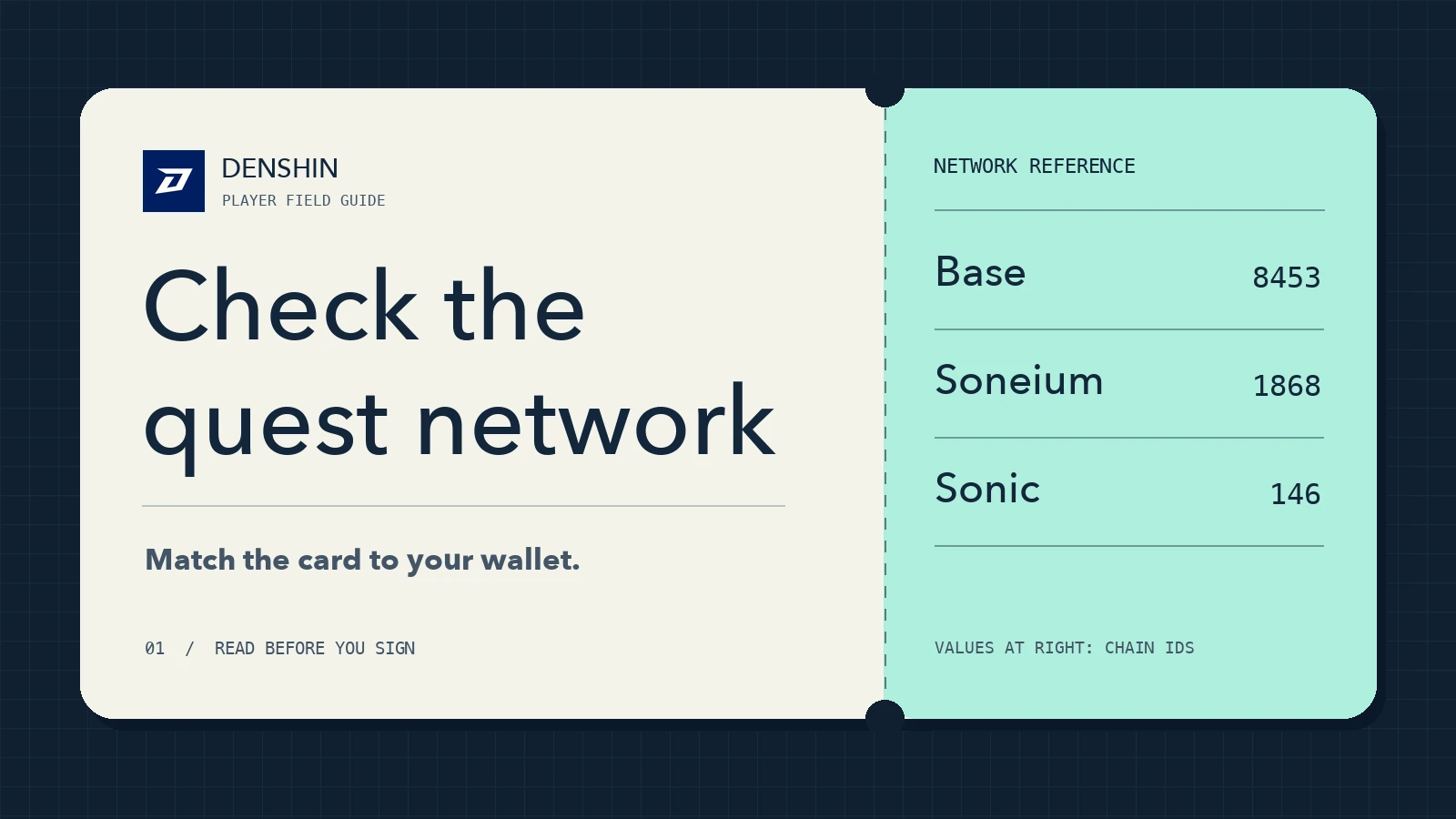
An address can look identical on different networks. Its balances and permissions are separate on each one. Compare the network on the quest card with the network in your wallet and check that the relevant tokens and fee balance are there. If you're doing an action the quest will verify, press Start mission before doing it. That gives the check its starting point, as we explain in Getting started.
Read the prompt before you sign#
- Sign in. Denshin sign-in uses a message to prove you control the address. It doesn't grant spending permission or require a network fee. If a page says you're signing in to Denshin and asks for a token approval, stop.
- Approve a token. An approval gives a named spender permission to use a token from your address up to a stated limit. Read the token, spender, network and amount. If the wallet offers a custom cap and the action supports it, set it to what you actually need. Cancel if the spender or amount doesn't make sense.
- Send a transaction. Check the destination, what will move, and the estimated fee. For a swap, check both tokens and the minimum amount you could receive. For a transfer, check the destination address against a source you trust.
Some off-chain signatures can also authorize spending, even though signing costs no gas. A prompt with a spender, limit and expiry is doing something different from a plain login. Don't sign a prompt you can't read or explain. Closing a prompt is fine; the site can ask again after you've checked.
Review old permissions#
Disconnecting a site from your wallet clears its connection. An on-chain approval can still exist on the network. Use your wallet's permissions view or the approval checker on a trusted explorer for the network you used. Check the address and network before you remove anything. If you no longer use a spender, you can send a revocation transaction. It can cost gas, and it doesn't undo transfers that already happened. The wallet help center guide to revocation explains the difference in more detail.
If you think a recovery phrase or private key was exposed, revoking one allowance isn't enough. Whoever has the key can still sign as that address. Stop using it, use a fresh wallet, and check which accounts still accept the old address. If you already linked a second Denshin wallet you still control, our wallet guide explains how to unlink the compromised one.
Our quick check before playing: the site is bookmarked, the play wallet is selected, and the prompt says what we expected. If any of those checks fail, the quest can wait.