Explore Denshin as a Guest
Take a first look at Denshin without signing in. Learn how to browse the city, read a quest and decide what to check before connecting a wallet.
A first visit to a game does not have to begin with a wallet request. Sometimes you want to see what the place looks like, read the instructions and decide whether you have time for it. We leave room for that first look in Denshin.
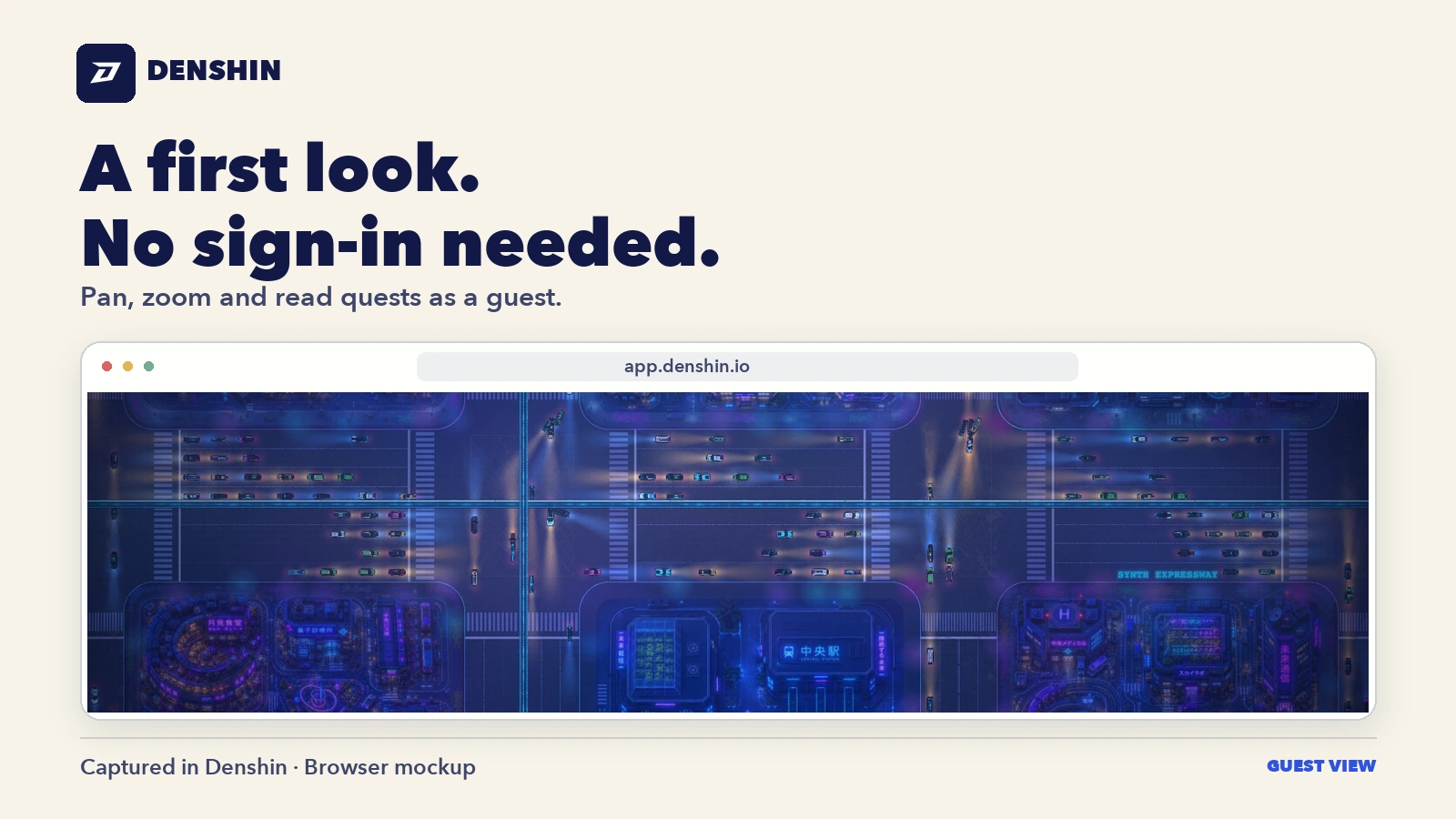
The city map opens before sign-in. As a guest, you can move around, change the zoom and read quests. Your personal progress belongs to the signed-in part of the game. Looking at the city and choosing to take part are separate moments, so you can give each one the attention it needs.
Begin with the map#
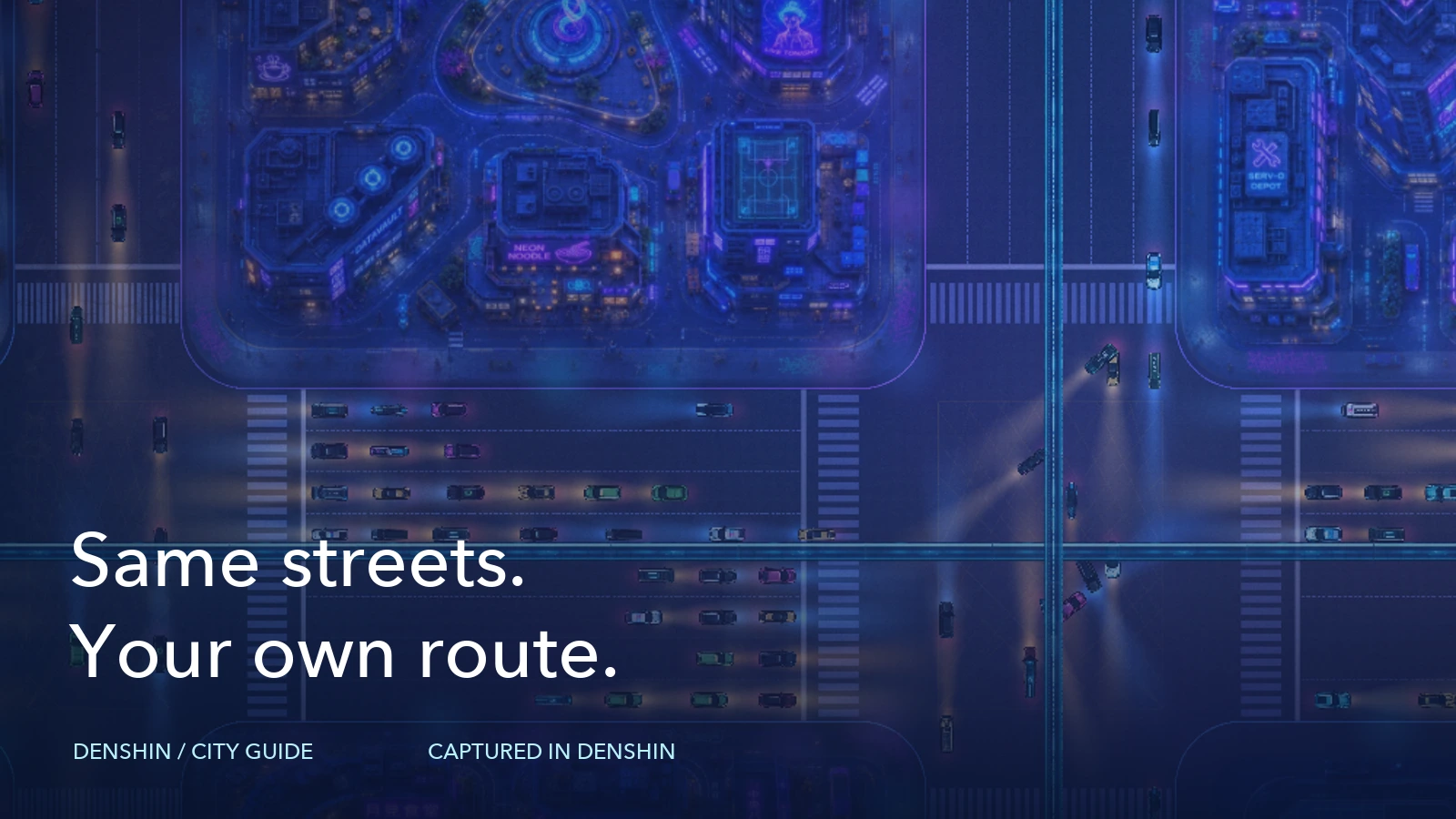
Open the Denshin app and let the city load. Find a stretch of road that you can recognise, then move the view a little in either direction. Starting with a landmark makes it easier to tell how far you have travelled across the screen.
There is no need to inspect every corner on a first visit. You might follow a road to the next crossing, look at the neighbouring blocks and stop there. That is already enough to get a sense of how the view is arranged.
Try changing scale after you have found something familiar. A close view helps you look at one place; a wider view helps you understand where it sits. Keep the same crossing in mind while you zoom, rather than treating each scale as a new map.
Learn what a place represents#
The city is connected to the quests. A quarter is a block on the map, while a street name gives you a way to describe a location. These are useful distinctions when you are looking for a mission or explaining a place to someone else.
Some quarters appear sealed. A seal describes a part of the city that a quest can open; it does not mean that you must complete another quest before reading or starting the one placed there. The city-map handbook explains that relationship.
For a guest visit, the practical question is simply which place you want to inspect. You do not need a complete route through the city before you have read a single quest. Choose a visible location and spend a moment with what is there.
Read the quest before deciding#
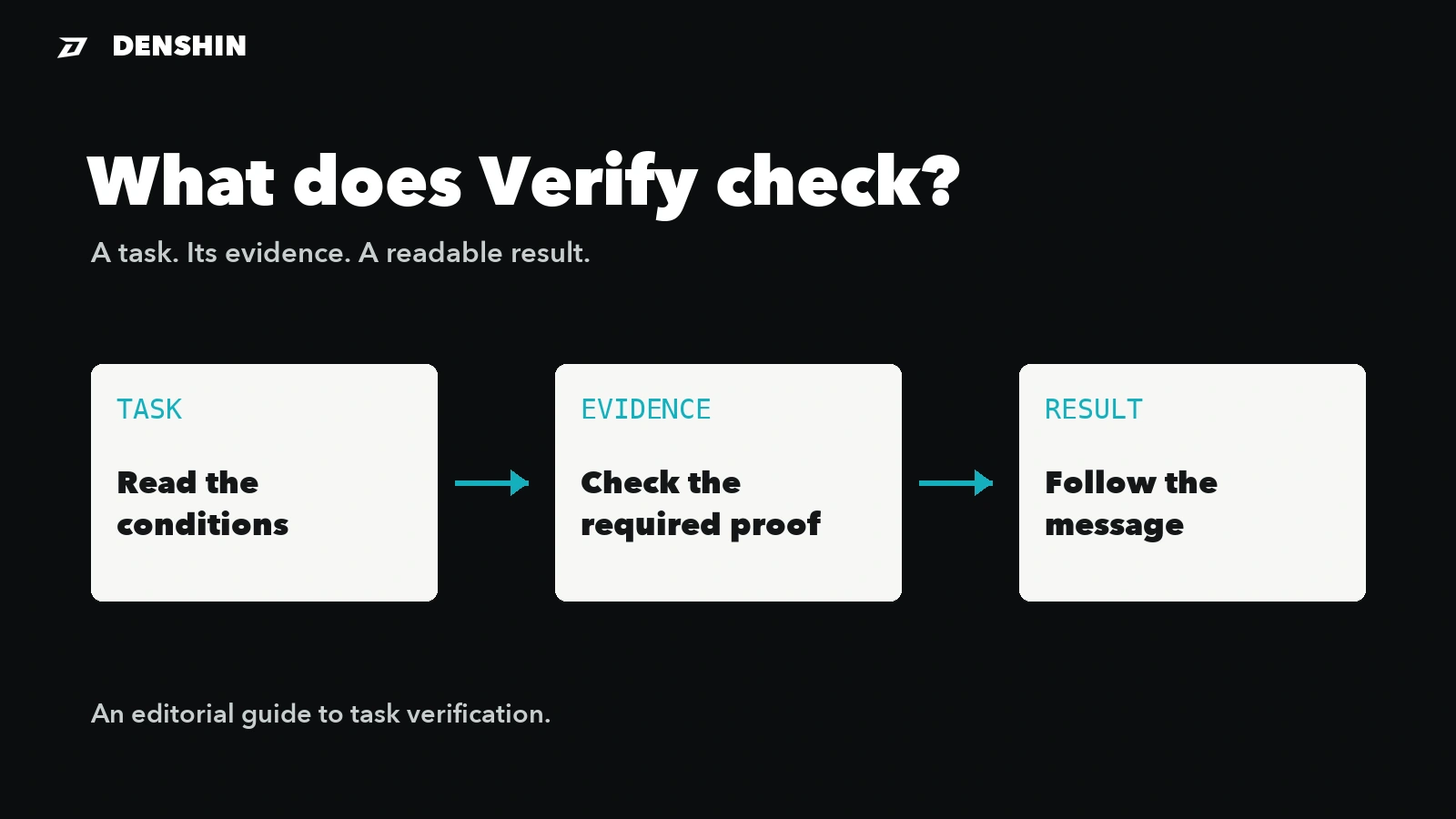
A quest card gives you more to work with than a title. Look for the description, the required tasks and the network involved. The quest handbook describes these fields and the different kinds of checks a task can use.
Read the action in ordinary language first. Is the task asking you to hold something, carry out a new operation or connect a particular account? Those are different requests. A familiar symbol is a useful landmark, but the words on the task are what tell you what to do.
Then consider the practical details. You may recognise the network already, or you may want to read about it before going further. You may have the right setup on your current device, or prefer to return later. Browsing gives you time to make that decision before a wallet window is involved.
Do not assume that a short card contains every condition. Open its task instructions and follow the relevant explanations. If a requirement is unclear, making a note of the exact wording is more useful than guessing from the picture beside it.
Keep exploration separate from progress#
Looking around is preparation. It does not mean that you have started a mission, performed its action or passed its verification. When you decide to play, follow the signed-in flow and the instructions for the specific quest you choose.
It also helps to keep the visual map separate from another person's record. The quarters a player opens are personal to that player's progress. Your guest view is a way to understand the city; it is not evidence that you have completed the work shown in somebody else's screenshot.
You can use the first visit to settle on a small next step. Perhaps that is reading one task more carefully. Perhaps it is checking which network it names. You can also close the page and return when you have time. None of those choices requires pretending that browsing was a completed quest.
Sign in when you are ready#
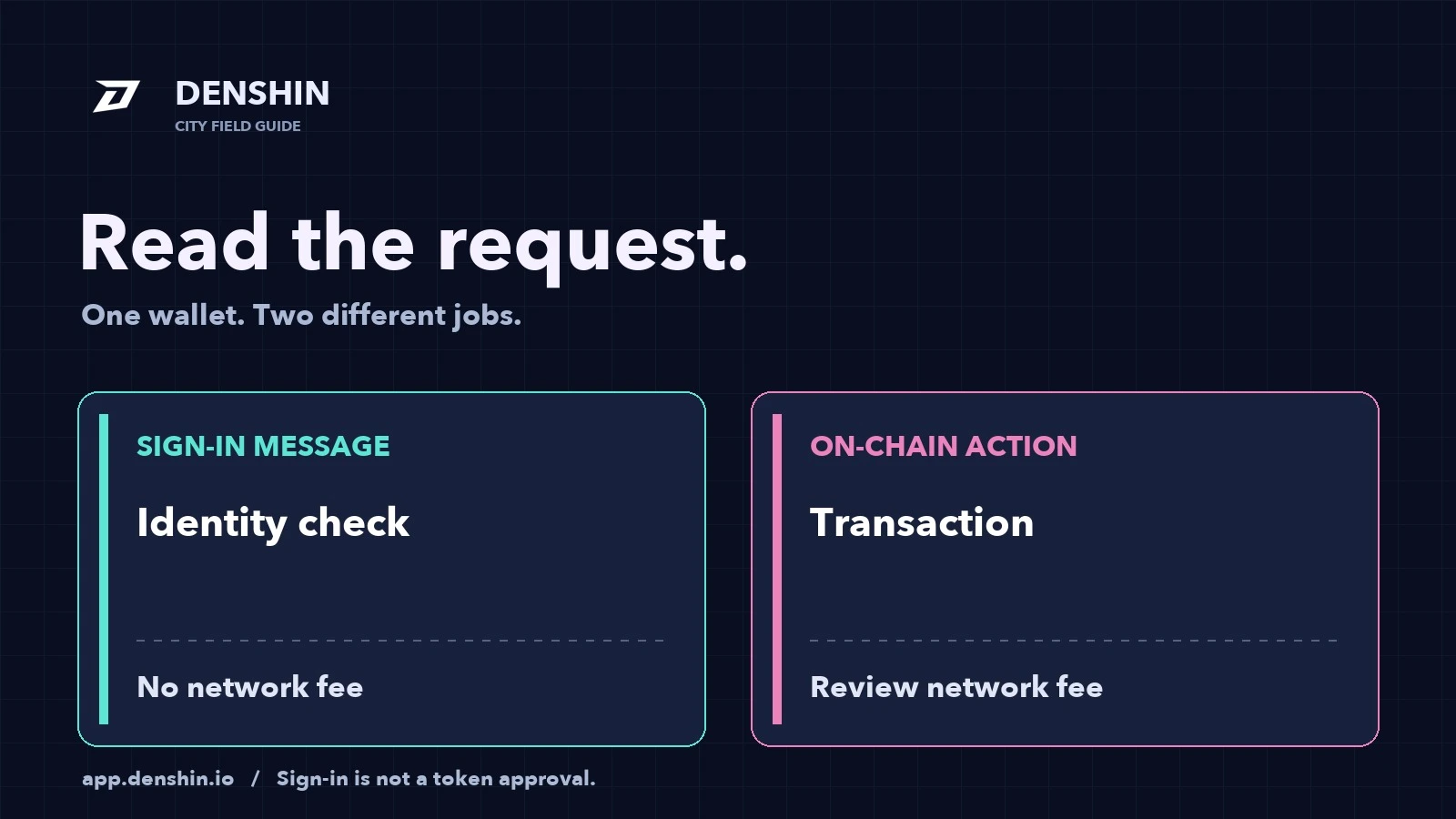
The getting-started guide explains the transition from looking around to playing with a profile. Use that guide when you want to connect a wallet and begin a mission, rather than treating every button on a first visit as something to press immediately.
A useful first visit can finish with a clear picture of one place and one quest. You know where the card sits, what its action asks and what you still want to check. That is a calmer starting point than opening a wallet request before you have decided what you came to do.
We built the city to be looked at as well as played. Take a first look, read at your own pace and choose the next step when it makes sense for you.