Reward Scams Around Games and How to Spot Them
A prize message lands just before a season ends. Here's how to check the sender, read a wallet request and tell a real Denshin payout from a fake.
A season is about to close. You've been checking your place, finishing a few tasks and watching the clock. Then a message arrives: your prize is ready, but you need to verify your wallet first.
That is a good moment to leave the message alone and open the game yourself.
Genesis closes on 31 October at 23:59:59 UTC. Before it does, we want the payout process to be familiar enough that a different version looks wrong immediately. These are the checks we'd use.
Start with an address you already know#
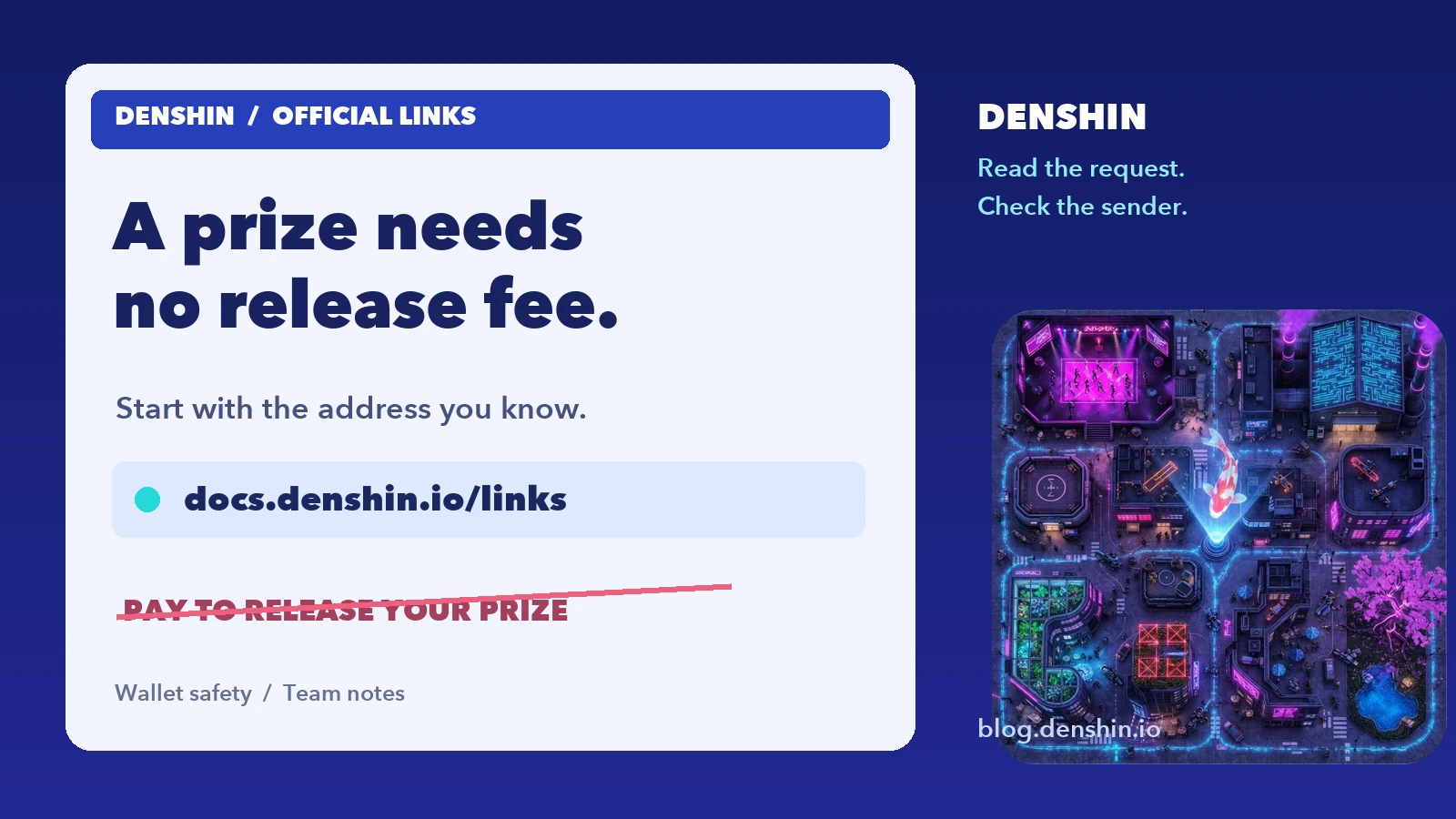
Our official-links page lists the app, handbook and community accounts. Bookmark it. Compare the full domain or handle, including extra letters and words, rather than the logo or display name.
A screenshot of a leaderboard doesn't authenticate the person sending it. Neither does an avatar copied from our channel. If someone sends you an urgent link, open your bookmark separately and check there.
We don't send the first direct message about a prize or a security problem. Questions about Denshin belong in our public Discord or Telegram chat, reached from the links page. An unsolicited support conversation is already outside that process.
Receiving a Denshin prize needs no transaction#
At the season close, the board is frozen. Payments are sent manually from the snapshot to the main wallet on your profile. The payout rules describe the process.
You don't send a release fee. You don't pay gas to receive it. You don't approve a contract or sign a message to make a prize arrive. A page asking for any of those steps is asking for something our payout doesn't need.
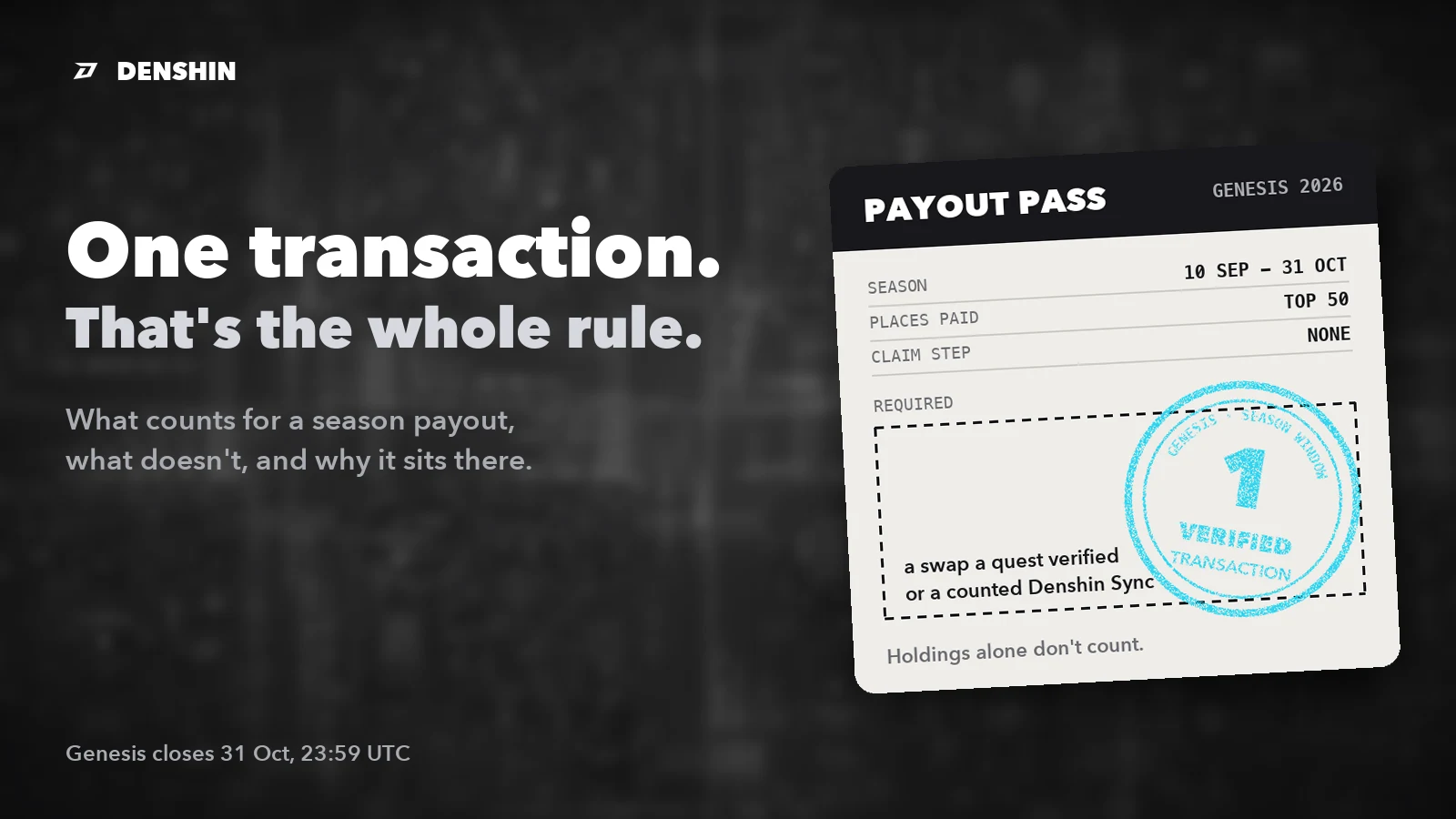
There is a separate requirement while you play: one verified on-chain transaction during the season. A swap accepted by a quest check or a counted Denshin Sync satisfies it. We explain that in the one-transaction rule. It isn't a payment to support and it doesn't turn into a new step in your inbox after the close.
Read the permission, not the button#
Some actions in a game legitimately open your wallet. Signing in, making a swap and sending a check-in transaction are different requests. Read what the wallet actually asks you to authorize.
A token approval gives a contract permission to move a particular token up to an allowance. Check the requesting site, spender and amount. An approval can remain active after you close a tab; disconnecting the site doesn't revoke it. The wallet provider's explanation of approvals walks through those fields.
A signature without a gas fee also deserves attention. Depending on its contents, a signature can authorize spending. A zero shown beside the network fee tells you nothing about the value of the permission.
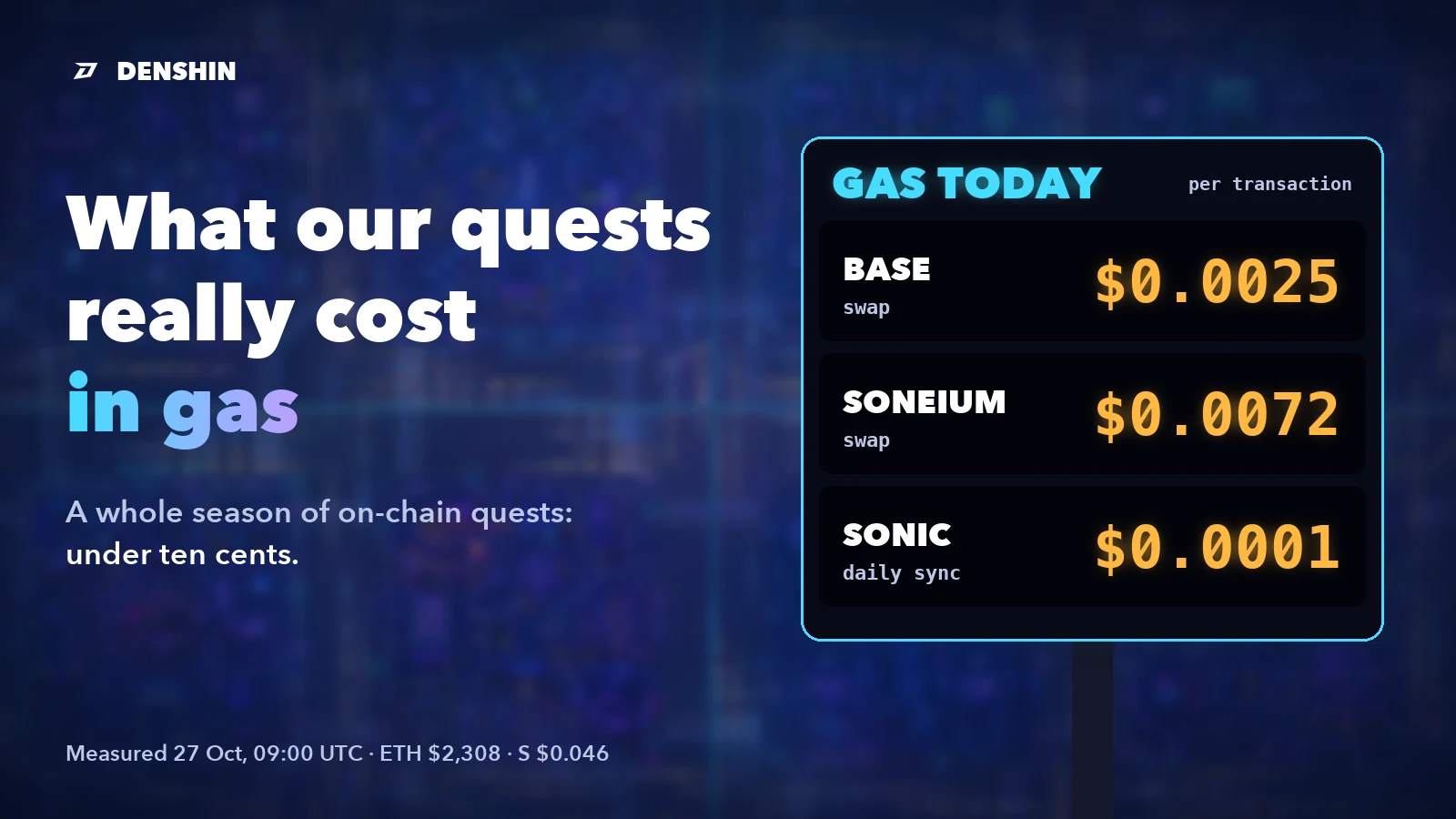
For our own daily check-in, the request is specific: Denshin Sync doesn't ask for a spending allowance or send value to the contract. You pay the network fee. Open it from the Daily Check point in the app, and compare the destination with the contract on our official-links page.
Your recovery phrase never belongs in support#
Nobody on our team needs your seed phrase or private key. There is no troubleshooting step, prize check or support form that calls for either one.
If a conversation reaches that request, stop. Don't send part of the phrase as a compromise. Don't paste it into a page supplied by the person asking.
If you've already clicked#
Clicking a link, connecting a wallet, signing a message and confirming a transaction are different events. Start by working out which one happened. Close the suspect page and open your wallet independently to review the activity.
If you granted a token allowance, use your wallet provider's official instructions to inspect and revoke it. Disconnecting alone is insufficient. If you exposed a recovery phrase or private key, treat the wallet as compromised and follow the provider's recovery guidance. Revoking one allowance cannot make an exposed key private again.
Report an impersonation in our public community with the account name or page address. Keep recovery words, keys and private account details out of screenshots. A public warning helps the next player check the same message before signing anything.
Before you return to the city#
Open the app from your bookmark. Check your main wallet, finish the tasks you intended to finish and verify them before their windows close. The deadline is real; a stranger's release fee isn't part of it.
Our official addresses, payout process and Daily Check instructions are available without a conversation in your inbox.