Submitted and Confirmed Transactions
Read pending, included and successful transaction states before repeating an action, then compare the network result with your Denshin quest.
The wallet has closed, but the task is still open. It is tempting to treat the last confirmation button as the end of an on-chain action. We prefer to pause at the transaction's result before deciding what to do next.
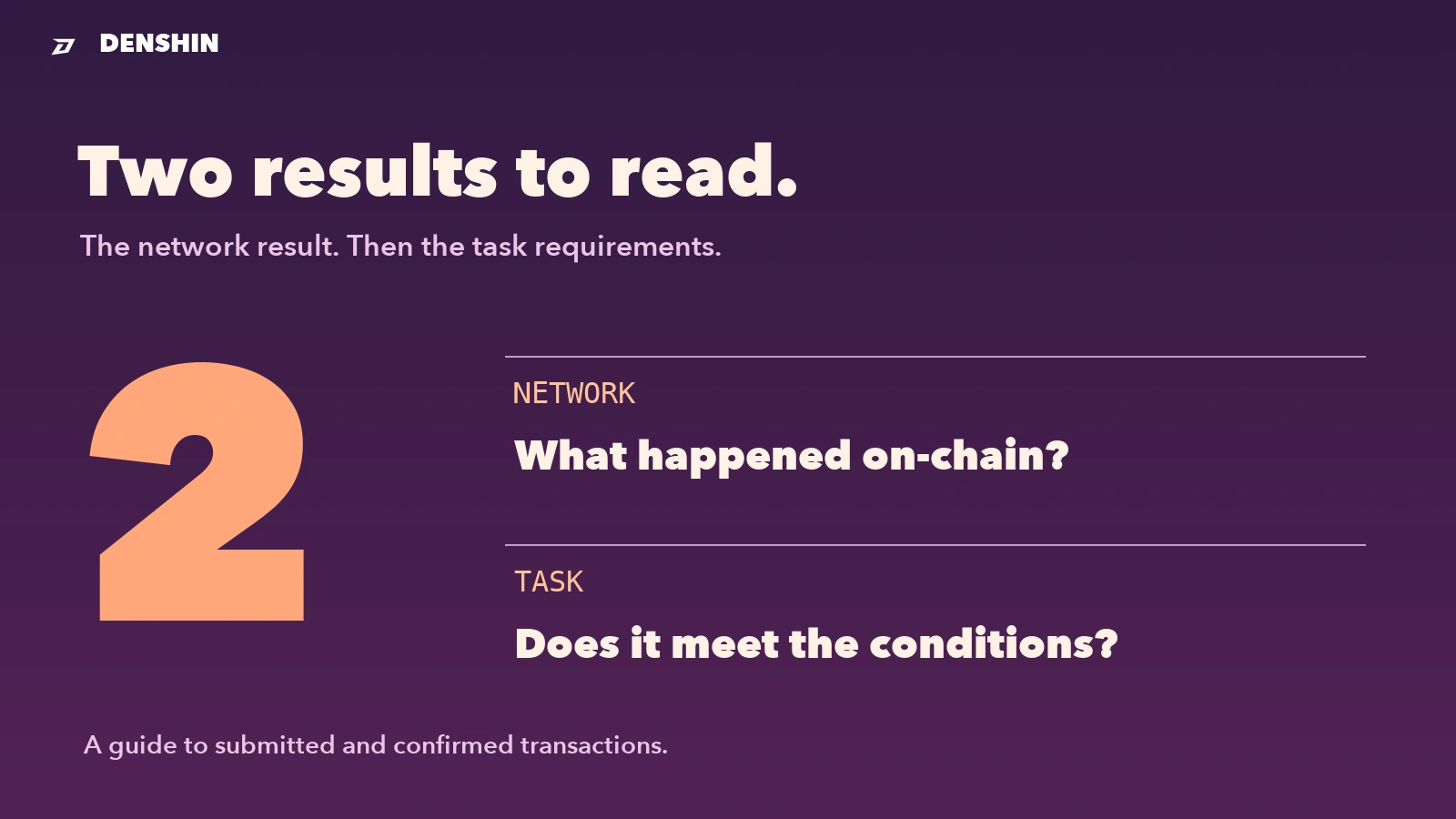
A submission, a place in a block and a successful execution describe different parts of that action. A quest check asks another question: whether the evidence meets its instructions. Keeping those readings separate helps you understand an unfinished task without immediately sending another transaction.
This guide follows the gap between pressing Confirm in a wallet and reading the result. It does not ask you to make a new trade, change a fee or approve another request.
Start with the transaction you already sent#
Open the activity entry for the action you intended to complete. Keep its network and transaction identifier together. An identifier is useful for finding the action again; it is not, by itself, a statement that the action succeeded.
Check the address involved and the time of the entry. A wallet can contain several similar actions, including earlier attempts. Reading the wrong entry can make an old success look like the result of the transaction you just submitted.
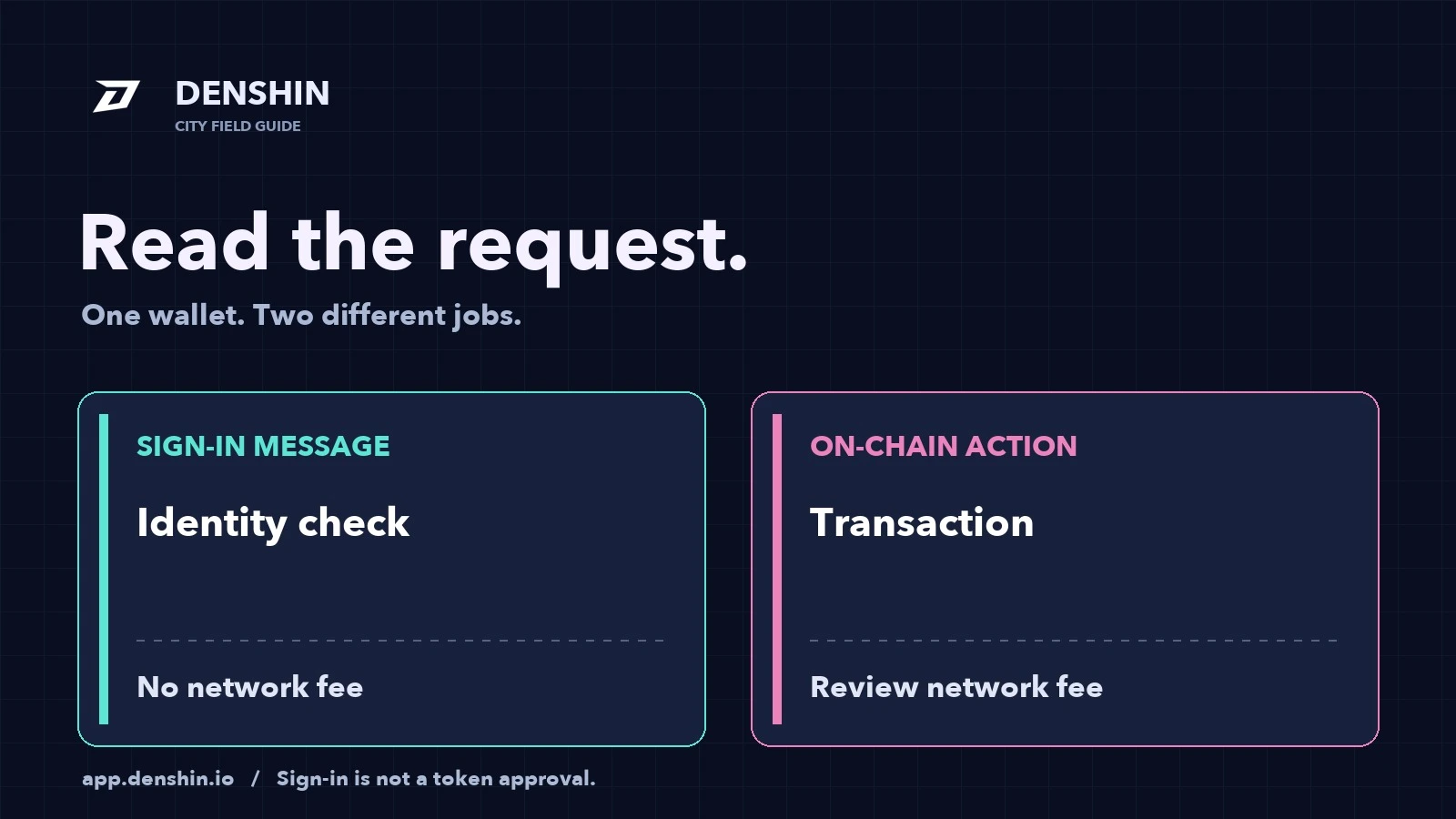
A wallet's Confirm button also needs context. Some requests sign a message, while others submit a transaction. Our guide to sign-in and gas fees explains that distinction. Here, we are following an actual transaction after submission.
Give Pending its own meaning#
A pending transaction has not yet supplied a completed execution result. On Ethereum, transactions are broadcast before they are selected for a block. The transaction identifier can therefore exist while inclusion is still ahead. The Ethereum transaction lifecycle describes those steps.
Read the activity status before returning to the same action. A pending label is a reason to inspect what is waiting, rather than evidence that the transaction failed. Sending another request without understanding the first can leave you with more than one activity entry to reconcile.
If the wallet offers a transaction link, follow that entry to the appropriate network explorer. Make sure the network matches the action. An empty result on a different explorer does not explain what happened on the intended chain.
Read the execution result after inclusion#
Being included in a block gives you something more specific to inspect: a transaction receipt. A receipt records information about the executed transaction, including the block and execution status. Ethereum's receipt documentation distinguishes successful execution from a reverted result.
Look for the status shown by the explorer alongside its block number and other transaction details. A reverted transaction was included, but the requested execution failed. That difference matters when you are trying to establish whether a particular action happened.
The label used by an explorer may vary. Read its details around the result instead of relying on the colour of a small icon. Keep the same network and transaction entry in view as you move between the wallet and explorer.
Leave room for the network's finality rules#
Confirmation and finality are related, but they do not always describe one universal waiting period. A network can distinguish initial block inclusion from stronger settlement guarantees. A wallet's short success message does not explain every stage.
For example, the Base finality guide describes several stages for ordinary transactions on Base and separates those from withdrawals to Ethereum. A normal transaction and a cross-network withdrawal should not be assigned the same timeline merely because both began in a wallet.
Follow the documentation for the network and action you used. We do not attach a single number of seconds or confirmations to every Denshin task. When a service shows a pending state, read the relevant network status before assuming that another click will finish it.
Compare a successful action with the task#
A successful network result tells you about execution. It does not automatically answer every condition written in a quest. Return to the specific task and compare the requested action with what the transaction actually did.
Check the network, wallet, required activity and any stated amount or timing condition. For action-based tasks, Denshin also uses the mission's start point when looking for eligible evidence. A transaction from before that point can be successful without belonging to the current mission.
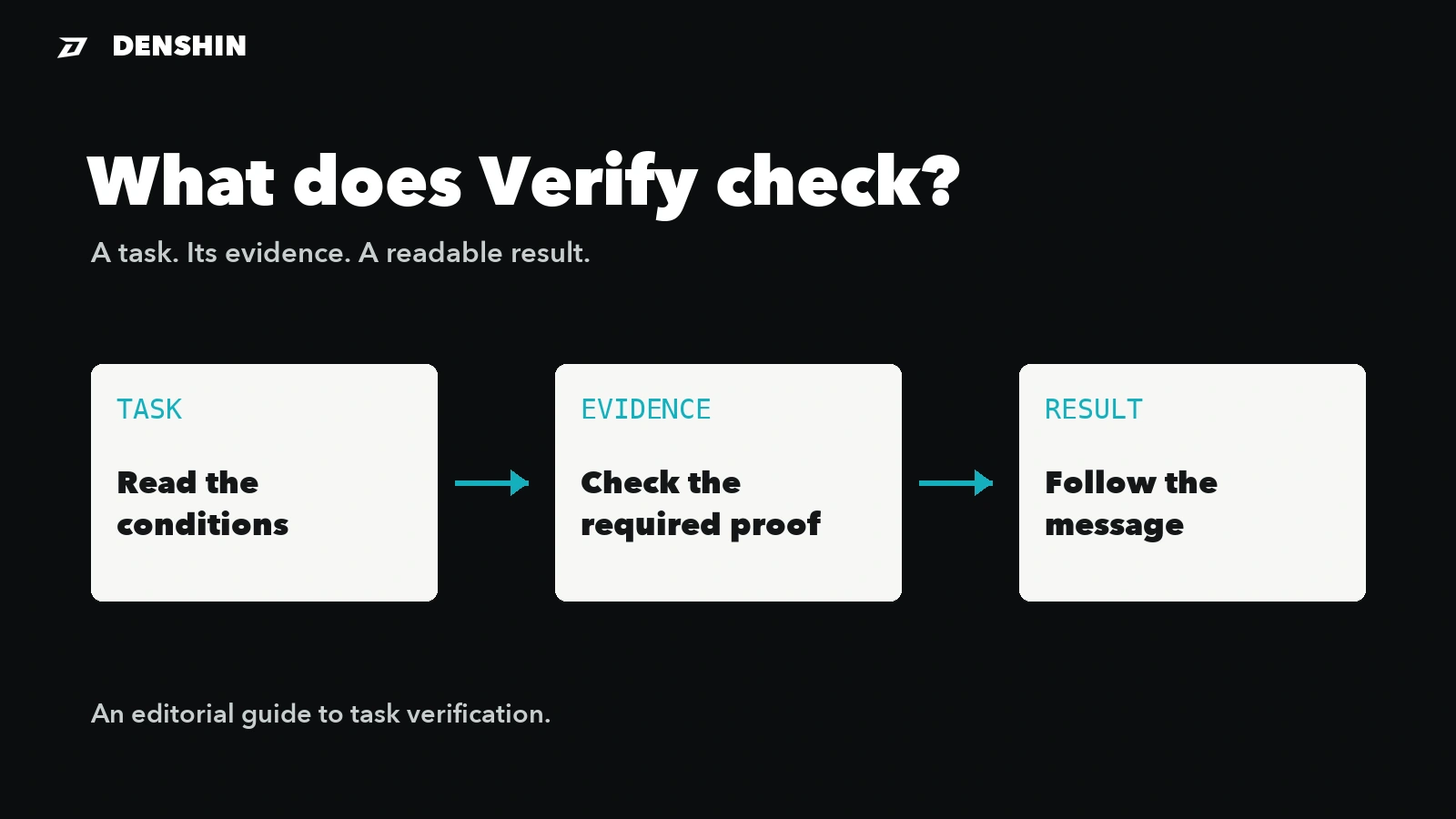
Our verification handbook explains the checks. A transfer and a swap are different activities, even when the same asset appears in both. Read the task's wording before interpreting a successful transaction as a completed requirement.
Let the check catch up before repeating the action#
Even after a transaction has landed, the information used by a quest check can take time to appear. If you have just finished the required action, read its network result and the message returned by Verify. A recent transaction and an unfinished task can coexist without proving that a second transaction is needed.
Wait for any verification countdown shown by the quest. When the check becomes available, try it again and read the result. Checking evidence and submitting a new on-chain action are separate steps; a new action would have its own wallet request and possible network fee.
Before leaving the result, keep the transaction link available for your own reference. Then return to the Denshin app and continue from the task's current state. The next useful step comes from reading what happened, rather than treating submission as the final answer.